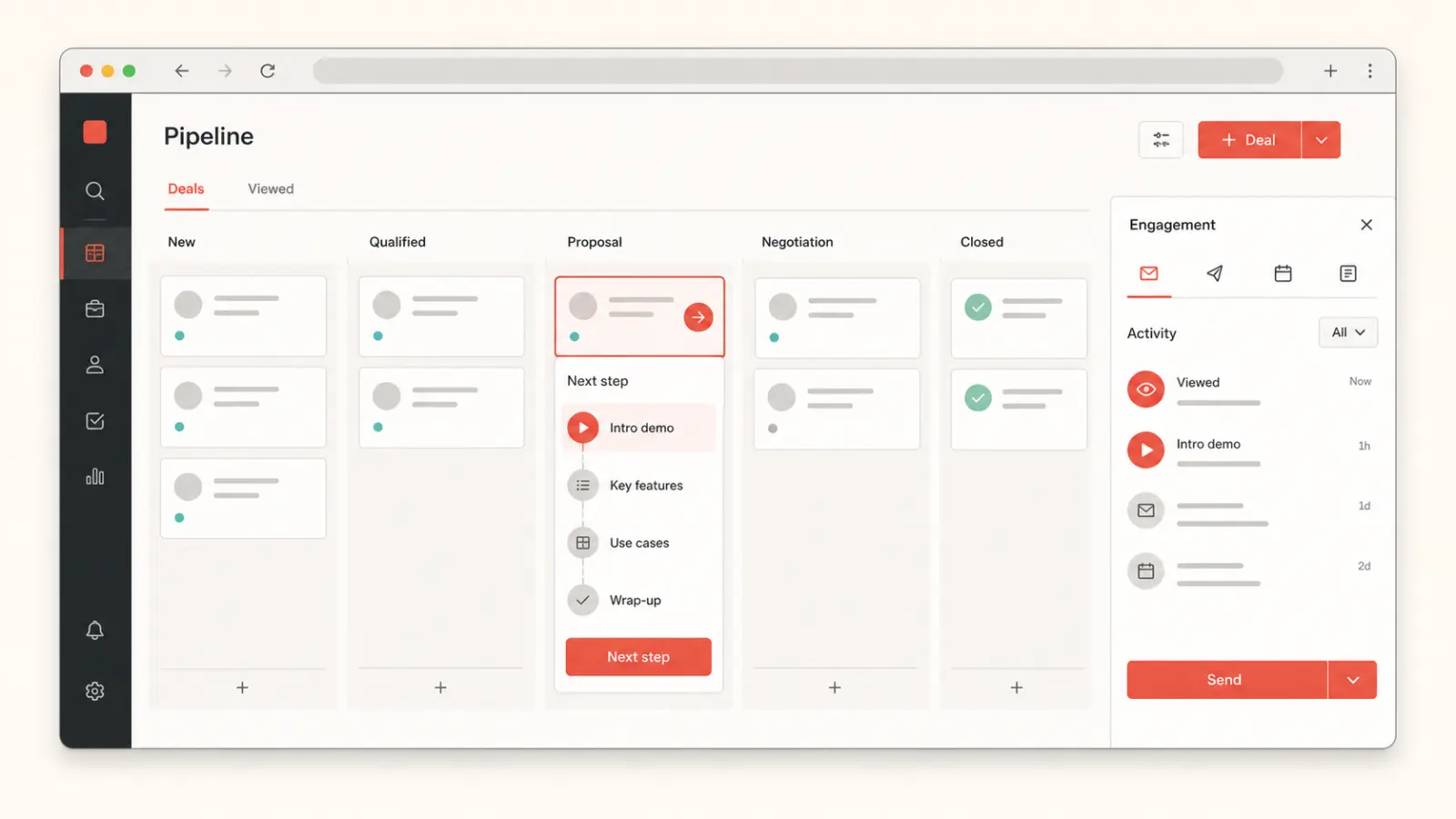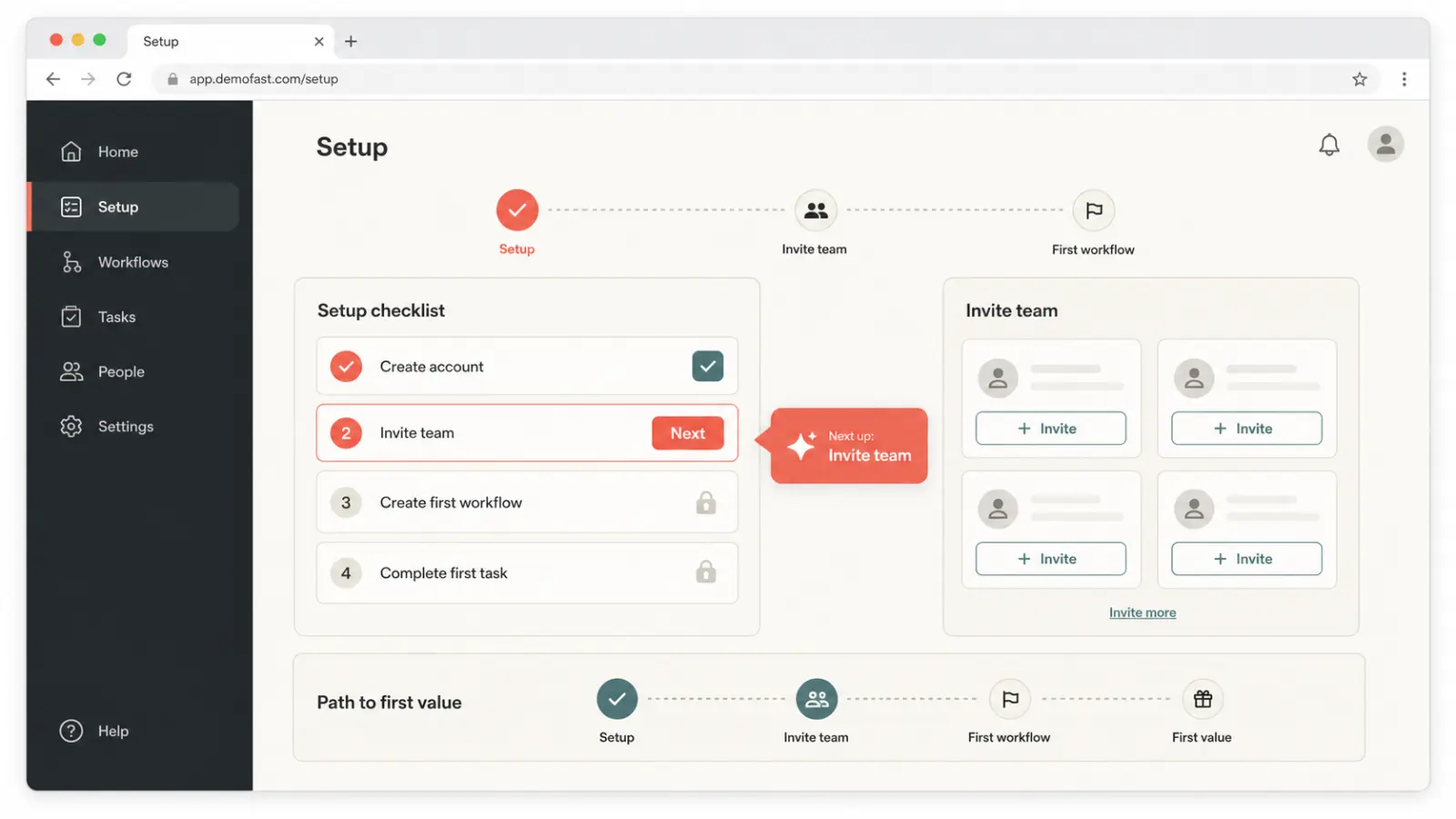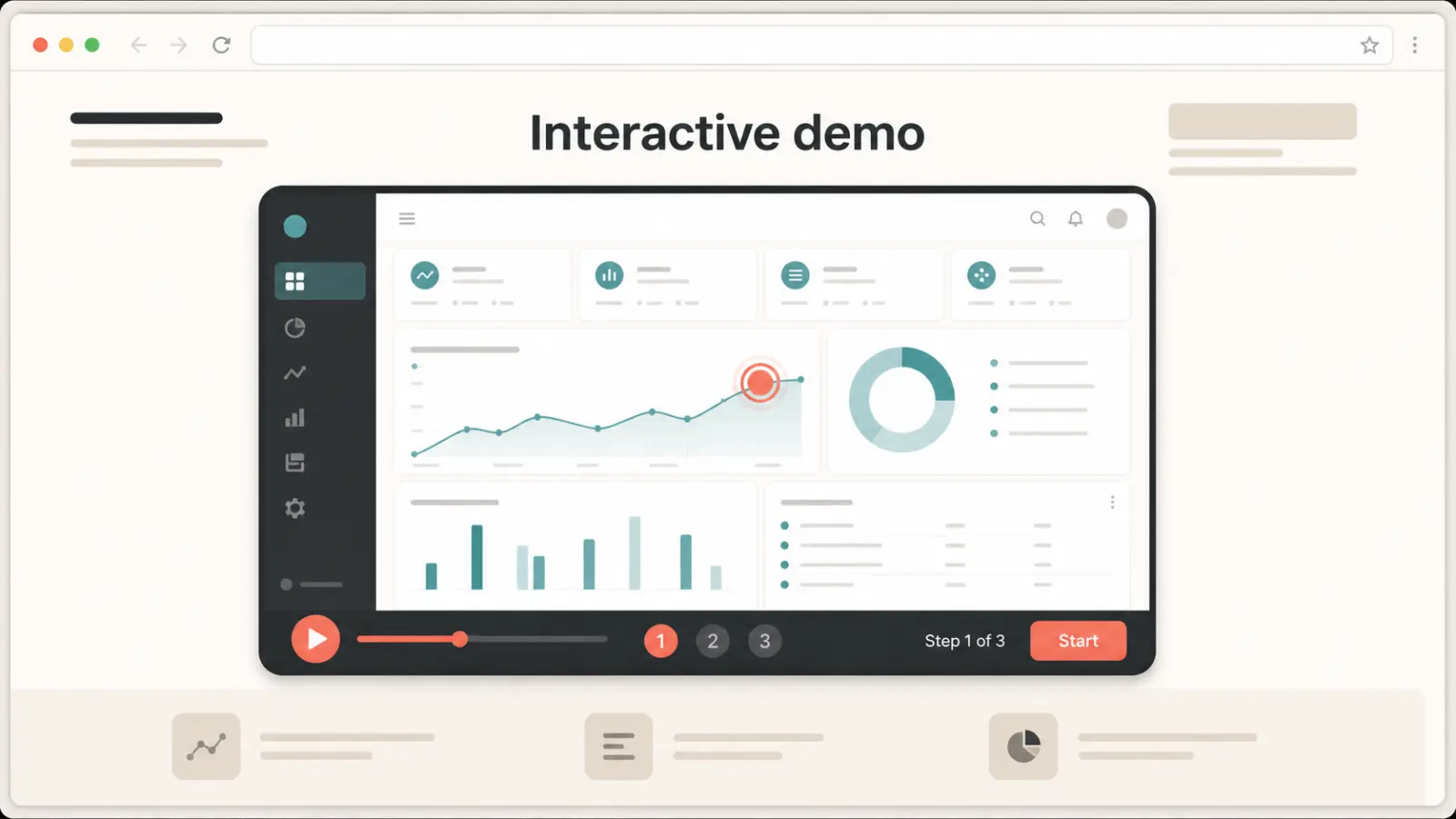
Interactive Product Demo Software for SaaS Teams

Interactive Product Demos That Convert

DemoFast is no-code product demo software for building clickable SaaS demos, onboarding walkthroughs, sales leave-behinds, and website embeds without re-recording every product update.

create in
5
minutes on average
requires
Zero
coding knowledge
enjoy
100%
interactive demos
includes
sharing options

SEO and AEO focused workflows

Interactive product demo software for the pages that drive pipeline

Use DemoFast anywhere buyers need a fast answer: landing pages, comparison posts, onboarding docs, outbound emails, and sales follow-ups.

Product demo software

Build interactive product demos that prospects can click through before they book a call or start a trial.

Compare demo software

Loom alternative for SaaS demos

Replace passive walkthrough videos with self-guided demos that show product value and capture intent.

Read DemoFast vs Loom

Customer onboarding walkthroughs

Turn common onboarding paths into guided product walkthroughs for help docs, lifecycle emails, and support replies.

Create a walkthrough

Sales enablement demos

Share polished leave-behind demos after sales calls and learn which features prospects actually explore.

See plans

Everything you need. Nothing you don't.

Rich Textboxes

Add customizable textboxes with navigation and styling

Click Markers

Highlight clickable areas with animated markers

Custom Areas

Draw attention to specific regions with highlights

Zoom Areas

Focus on details with smooth zoom transitions

Easy Editing

Update demos anytime without re-recording

Share Anywhere

Link sharing, embed options, and video export

Create Demos in 4 Simple Steps

No technical skills needed. Just capture, annotate, share, and export.

1

Capture Your Flow

Use our Chrome extension to record your product flow automatically, or upload your own screenshots to get started.

2

Add Annotations

Guide users with textboxes, click markers, custom areas, and zoom functionality. Make every step crystal clear.

3

Share & Analyze

Share your demo via link or embed it on your site. Track views and engagement to optimize your demos.

4

Export as Video

Download your interactive demo as an MP4 video to share on social media or in presentations.

Simple, transparent pricing

Start free. Upgrade when you need more. No hidden fees.


Free

Perfect for exploring the power of interactive demos.

$0/month
  • Create up to 5 live demos
  • Essential annotation tools
  • Shareable public links
Start for free
BEST VALUE • MOST POPULAR

Pro

Everything you need to scale your sales engine with data.

$15$29/month
🎉 Early Access Price
  • 100 demos
  • Advanced rich-media annotations
  • Full analytics
  • White-label custom branding
  • Lead capture integrations
Upgrade to Pro

Enterprise

Enterprise-grade security and support for large teams.

Custom
  • Unlimited everything in Pro
  • Dedicated account manager
  • Custom API & CRM integrations
  • SSO & Advanced Security (SOC2)
Contact SalesBook a personalized demo →

Frequently Asked Questions

Everything you need to know about DemoFast

What is interactive product demo software?+
Interactive product demo software helps teams create clickable, self-guided product experiences that prospects can explore without joining a live call. DemoFast lets you build these demos with screenshots, annotations, click markers, zoom areas, share links, and website embeds.
Is DemoFast a Loom alternative for product demos?+
Yes. Loom is useful for passive screen recordings, while DemoFast is built for interactive SaaS demos where buyers click through the product flow, follow guided annotations, and engage with the parts of the product that matter to them.
Do I need coding skills to create a demo?+
No. DemoFast is designed for product, marketing, sales, and customer success teams. Upload screenshots or use the Chrome extension, add annotations in the visual editor, then publish a shareable product walkthrough.
Can I embed product demos on my website?+
Yes. You can share DemoFast demos by link or embed them on landing pages, blog posts, help docs, product launch pages, and onboarding pages so visitors can experience the product directly.
Can I track who views my demos?+
Yes. With the Pro plan, you get analytics for views, engagement, and drop-off points so you can improve demo completion and follow up with better context.
Can I export demos as videos?+
Yes. You can export interactive demos as MP4 or GIF files for social posts, presentations, and channels where an interactive embed is not supported.

Start building your demos today