Standardize the core story
Make positioning, product sequence, and key explanations consistent across the team.
Solutions · Sales enablement
Turn the best product explanations into reusable interactive demos. DemoFast helps enablement teams standardize the core narrative while giving reps focused assets for different buyers and deal stages.
Overview
When every rep builds demos independently, quality depends on product familiarity, account setup, and preparation time. The result is often a broad feature tour for one prospect and a fragile live workflow for the next. Enablement needs a consistent foundation that still leaves room for discovery and personalization.
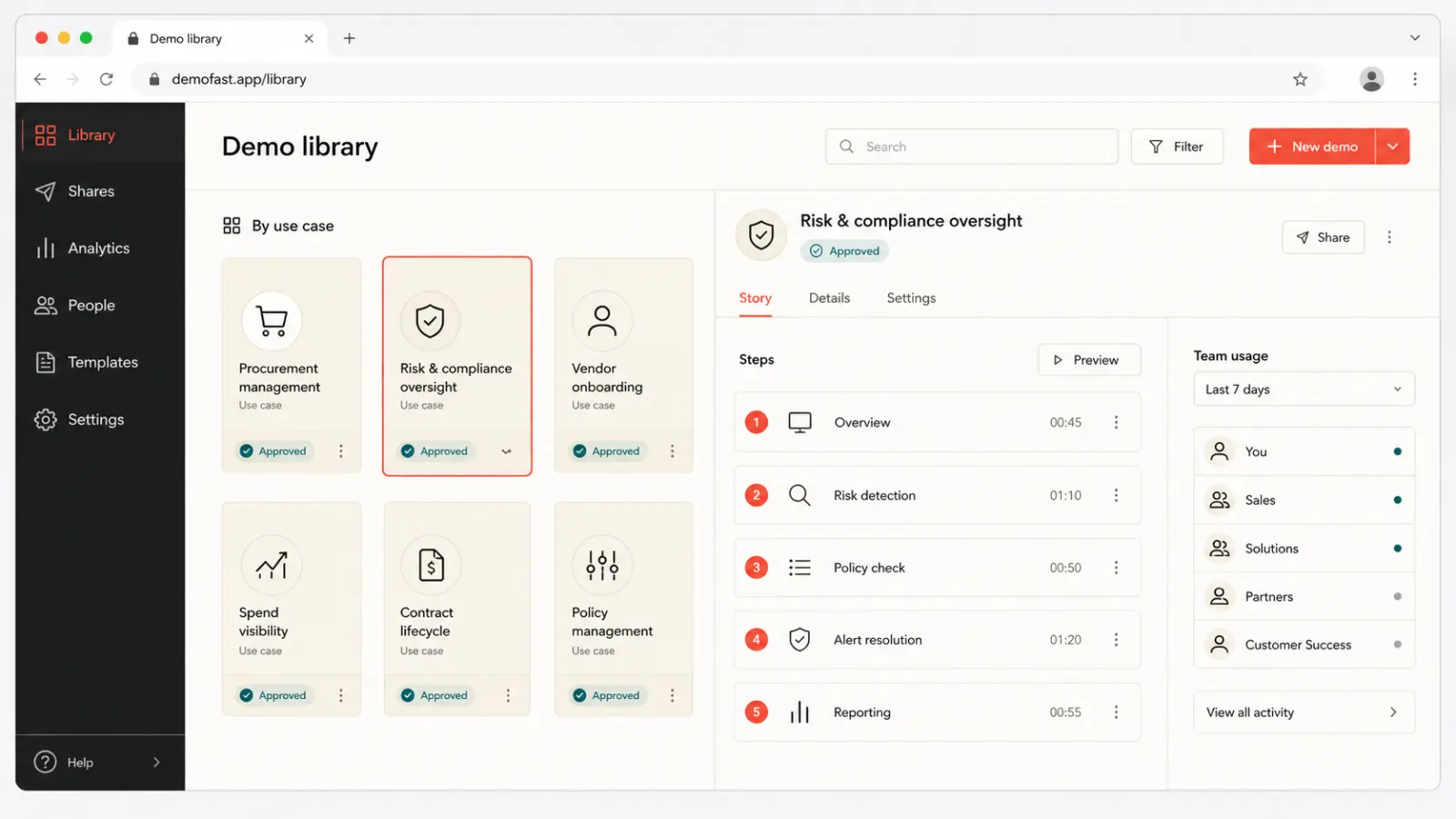
DemoFast lets subject-matter experts capture approved workflows and explain the value at each step. Reps can use the walkthrough for training, prospecting, live support, or follow-up. Modular demos by persona and use case make the library easier to navigate than one master recording.
Why it matters
Make positioning, product sequence, and key explanations consistent across the team.
Give reps ready-to-share flows instead of requiring a clean live environment for every touch.
Let new sellers practice the approved path and understand why each product moment matters.
Product preview
The video runtime loads only after you choose to play, keeping the initial page light.

Practical fit
Teach product workflows alongside discovery questions and customer outcomes.
Provide a reference flow for practice, review, and coaching.
Organize demos by role, industry, use case, or funnel stage.
Give reps a reliable asset when a specialist cannot join every early conversation.
How it works
Use call feedback and customer outcomes to choose the workflows worth standardizing.
Create short demos by buyer question and connect them through clear enablement guidance.
Track which assets are used and explored, then retire duplicates and fill real coverage gaps.
Publishing checklist
Publishing is the beginning of the asset’s working life. Use this checklist to keep the product story focused, accessible, fast, measurable, and maintainable everywhere it appears.
Define who should use this sales enablement demo software experience, the product moment they need to understand, and the one action that should follow. Remove any step that does not advance that job.
Tell viewers what they will learn before asking them to click. The first screen should establish relevance quickly and show enough of the product to earn the next interaction.
Explain audience fit, use cases, tradeoffs, and next steps in accessible HTML around the demo. The page must remain understandable when a player cannot load or a visitor uses assistive technology.
Reserve explicit player dimensions, serve an optimized WebP preview, and initialize interactive or video code only after a click or near-viewport signal. Do not make every embedded asset compete with LCP.
Assign responsibility for product accuracy, links, analytics, and republishing. Review important commercial demos after major UI changes and on a regular content-maintenance cadence.
Measurement plan
A sales enablement demo software asset should have a specific job in the customer journey. Record its audience, traffic source, intended product moment, and next action before publishing. That context prevents raw view counts from being mistaken for progress and makes later edits easier to prioritize.
Track whether viewers advance to the screen where the promised value becomes clear. A high start rate with early abandonment usually signals a mismatch between the page promise, opening screen, or amount of guidance.
Measure completion by audience and placement, then review the specific step where people leave. Compare meaningful cohorts rather than combining homepage visitors, sales prospects, customers, and internal reviewers into one average.
Connect the demo to one proportionate next step—start free, request a deeper demo, reply to a rep, read implementation guidance, or try the workflow. Review quality and downstream outcomes alongside clicks.
Decision guide
Include a demo when it solves a repeated sales job: explain a major use case, prepare a buyer for a call, handle a common objection, or help a champion share the product. Avoid publishing every product screen simply because it can be captured.
Assign a clear owner and review date to each core asset. Product changes, positioning updates, and field feedback should improve the approved flow rather than causing reps to create uncontrolled duplicates.
Questions
Enablement teams can create approved, reusable product walkthroughs for training, prospecting, calls, follow-up, and champion sharing.
Teams can adapt copy and sequence for relevant accounts or segments while keeping the core product story consistent.
Use buyer-facing labels such as outcome, persona, industry, or deal stage rather than internal feature names alone.
Review asset usage, viewer engagement, completion, and whether demos contribute to the intended next step.
Continue exploring