The player is cropped
Remove fixed page widths and place the iframe in a responsive 16:9 container.
DemoFast tutorial
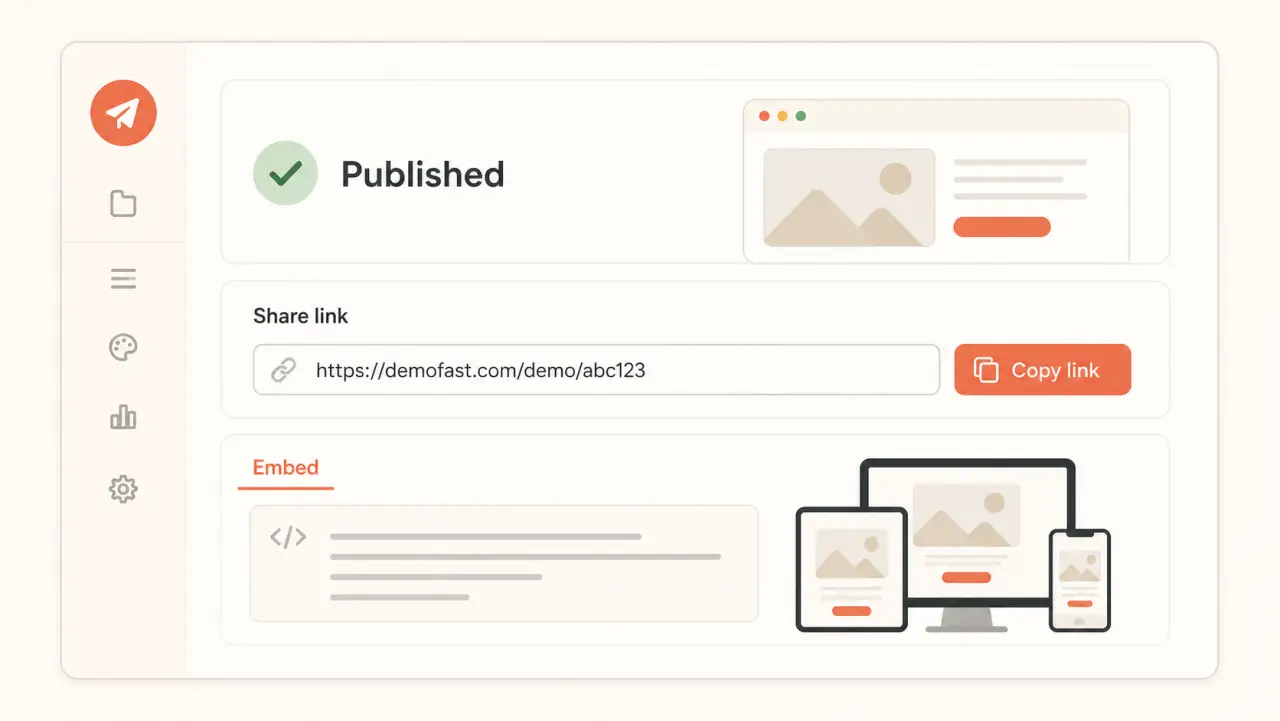
Publish a demo, copy the current iframe code, and place it in a responsive page container with accessible context.
Before you begin
Step by step
From the editor or dashboard, open the Share panel for the demo.
In the Embed Code section, choose Copy Code. DemoFast provides an iframe that points to the demo's embed player.
Paste the iframe into the page and let its width fill a container with the same 16:9 aspect ratio.
Give the iframe a title that describes the walkthrough, such as “Demo of the reporting workflow.”
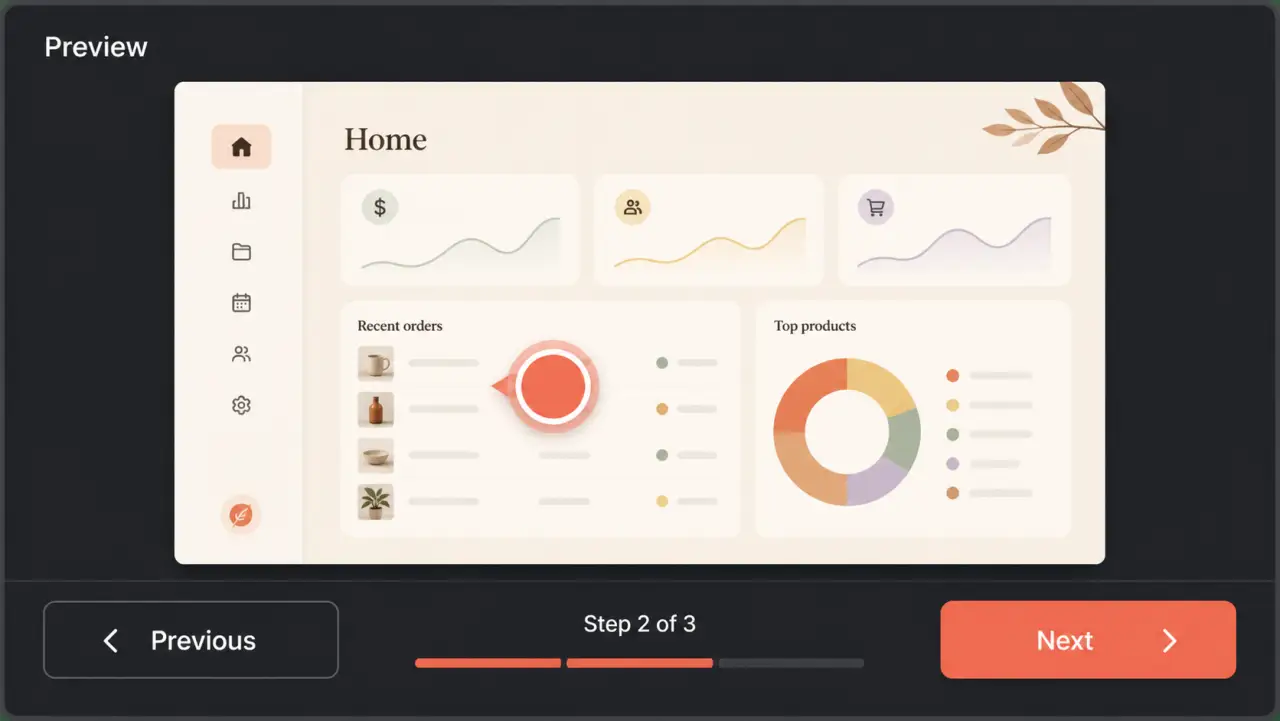
Check keyboard navigation, narrow screens, page loading, and the text fallback around the embed.
Troubleshooting
Remove fixed page widths and place the iframe in a responsive 16:9 container.
Use the CMS's approved embed or custom HTML block and ask an administrator if iframe markup is restricted.
Related product guide
Review placement, performance, and page-context guidance.